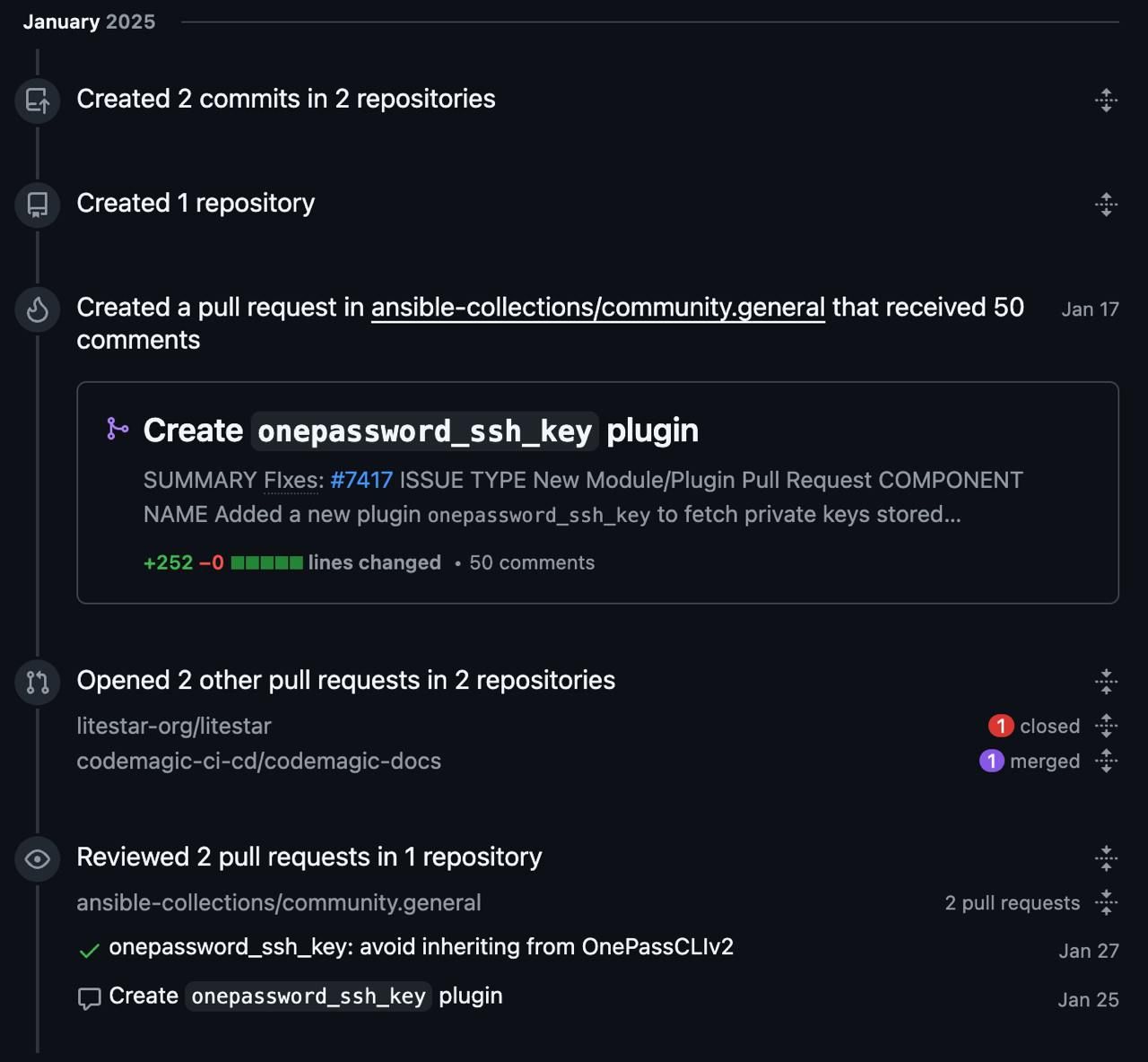
Securely Manage SSH Keys in Ansible Using 1Password
I recently had the chance to contribute to the Ansible community with a new lookup plugin: onepassword_ssh_key.
This plugin allows you to securely retrieve SSH private keys (or any sensitive text) stored in your 1Password vaults and inject them directly into Ansible playbooks – no more hard-coded secrets, scattered .env files, or risky file copies.
Why this matters
In real-world automation, handling SSH keys securely is a constant pain point. Traditional methods expose risks, especially in CI/CD pipelines or team environments. With 1Password’s CLI and this plugin, you get:
- Zero-exposure of secrets in playbooks or logs
- Easy integration with existing 1Password setups
- Works great in local dev, homelabs, and production pipelines
How it works (quick example)
- name: Fetch SSH key from 1Password
  set_fact:
    my_ssh_key: "{{ lookup('community.general.onepassword_ssh_key',
                            vault='MyVault',
                            item='MyServerKey',
                            field='private key') }}"

- name: Use the key for connection
  ansible.builtin.add_host:
    name: my-server
    ansible_ssh_private_key_file: "{{ my_ssh_key | tempfile }}"
The plugin is now part of the community.general collection → install with:
ansible-galaxy collection install community.generalI’m really proud of this small but practical contribution to open source. If you’re using Ansible + 1Password (or thinking about it), give it a try! Have you automated your secrets management yet? Drop a comment or connect on LinkedIn.
#ansible #devops #automation #opensource #1password